
Computing at Sir Harry Smith Community College
Computing at SHSCC prepares students to thrive in a rapidly changing digital world. We want every young person to become a confident, creative and responsible digital citizen who can use technology to learn, communicate and shape the future.
Our curriculum builds knowledge and skills step by step from Year 7 to GCSE, combining creativity, problem‑solving and real‑world application.
Computing at SHSCC prepares students to thrive in a rapidly changing digital world. We want every young person to become a confident, creative and responsible digital citizen who can use technology to learn, communicate and shape the future.
Our curriculum builds knowledge and skills step by step from Year 7 to GCSE, combining creativity, problem‑solving and real‑world application.
Our Aims
Our vision for Computing is bold, future‑focused and rooted in the needs of young people growing up in the 21st century. We aim to ensure that every student:
- Thinks like a problem‑solver — able to break down challenges, spot patterns and design solutions
- Creates with technology, not just consumes it — building games, animations, websites, programs and digital content
- Understands how computers work, from the hardware inside a device to the networks that connect the world
- Develops digital confidence — using software, tools and platforms independently and responsibly
- Stays safe online, making informed choices about privacy, communication and digital wellbeing
- Builds skills for the future, including coding, logical reasoning, creativity, collaboration and resilience
- Engages with modern technology ethically, understanding its impact on society, the environment and global communities
Our goal is simple:
to empower every student to be digitally capable, digitally confident and digitally responsible — ready for the opportunities of tomorrow.
to empower every student to be digitally capable, digitally confident and digitally responsible — ready for the opportunities of tomorrow.
Key Stage 3 (Years 7–9)
Students receive 1 hour of Computing every two weeks.
KS3 Computing gives students a broad and engaging introduction to digital skills, creativity and problem‑solving.
Year 7 – Digital Foundations
- Building simple websites using HTML
- Creating vector graphics for icons and logos
- Designing and programming games in Scratch
Year 8 – Control, Coding & Creativity
- Modelling real‑world systems using Flowol
- Learning the basics of Python programming
- Creating 2D animations using digital tools
Year 9 – Preparing for GCSE Thinking
- Designing games using a visual programming environment
- Developing more advanced Python skills
- Creating and interrogating databases
GCSE Computer Science (OCR)
Students receive 5 hours of Computer Science across the two‑week timetable.
GCSE Computer Science is an academically challenging and highly rewarding course. Students learn how computers work, how data moves around the world, and how to design and write effective programs.
The course covers:
- Systems architecture (CPU, memory, storage)
- Networks, protocols and cybersecurity
- Data representation and digital logic
- Ethical, legal and environmental impacts of technology
- Programming, algorithms, data structures and robust program design
This qualification opens pathways into A‑Level Computer Science, apprenticeships and careers in technology, engineering, science and digital industries.
Useful Web Links to Support Learning
These trusted websites help students practise skills, revise key topics and explore Computing beyond the classroom.
KS3 Resources
- Scratch — Create interactive stories, games and animations https://scratch.mit.edu
- Photopea — Online graphics editor for vector and bitmap work https://www.photopea.com
- BBC Bitesize – KS3 Computing https://www.bbc.co.uk/bitesize/subjects/z8mtsbk
- BBC Bitesize – ICT & Computer Science https://www.bbc.co.uk/bitesize/subjects/zvc9q6f
GCSE Resources
- Isaac Computer Science https://isaaccomputerscience.org
- BBC Bitesize – OCR GCSE Computer Science https://www.bbc.co.uk/bitesize/examspecs/zmtchbk
- Seneca Learning https://senecalearning.com
Online Safety for Parents & Carers
Keeping children safe online is a shared responsibility. We teach students how to use technology safely, respectfully and responsibly. The following organisations provide excellent guidance for families:
- NSPCC – Online Safety https://www.nspcc.org.uk/keeping-children-safe/online-safety/
- Childnet – Parents & Carers https://www.childnet.com/help-and-advice/parents-and-carers
- SWGfL – What Is Online Safety? https://swgfl.org.uk/online-safety/what-is-online-safety/
- CEOP Education https://www.ceopeducation.co.uk/?utm_source=copilot.com
These links help families stay informed about online risks and support safe, positive digital habits at home.
Facilities
We are proud to offer high‑quality, modern facilities that support outstanding Computing education:
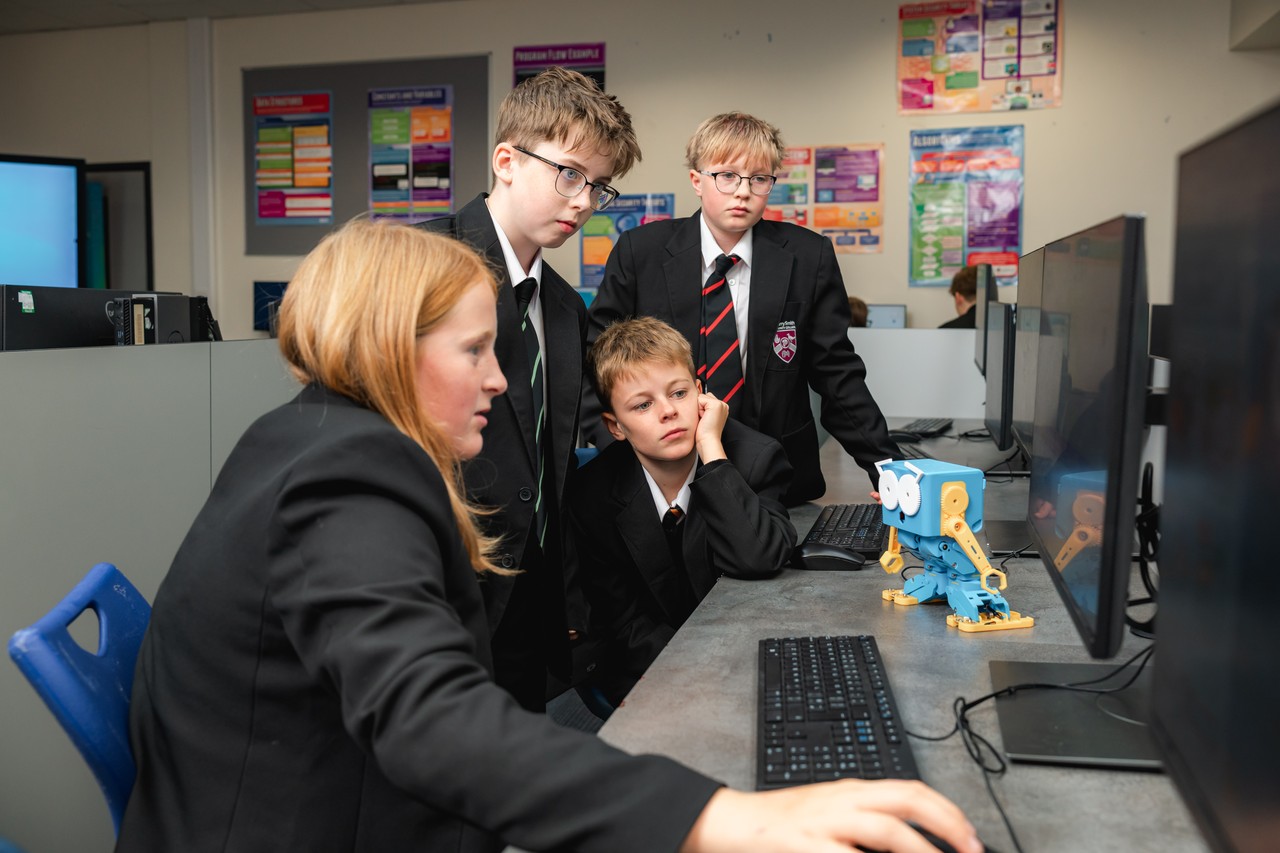
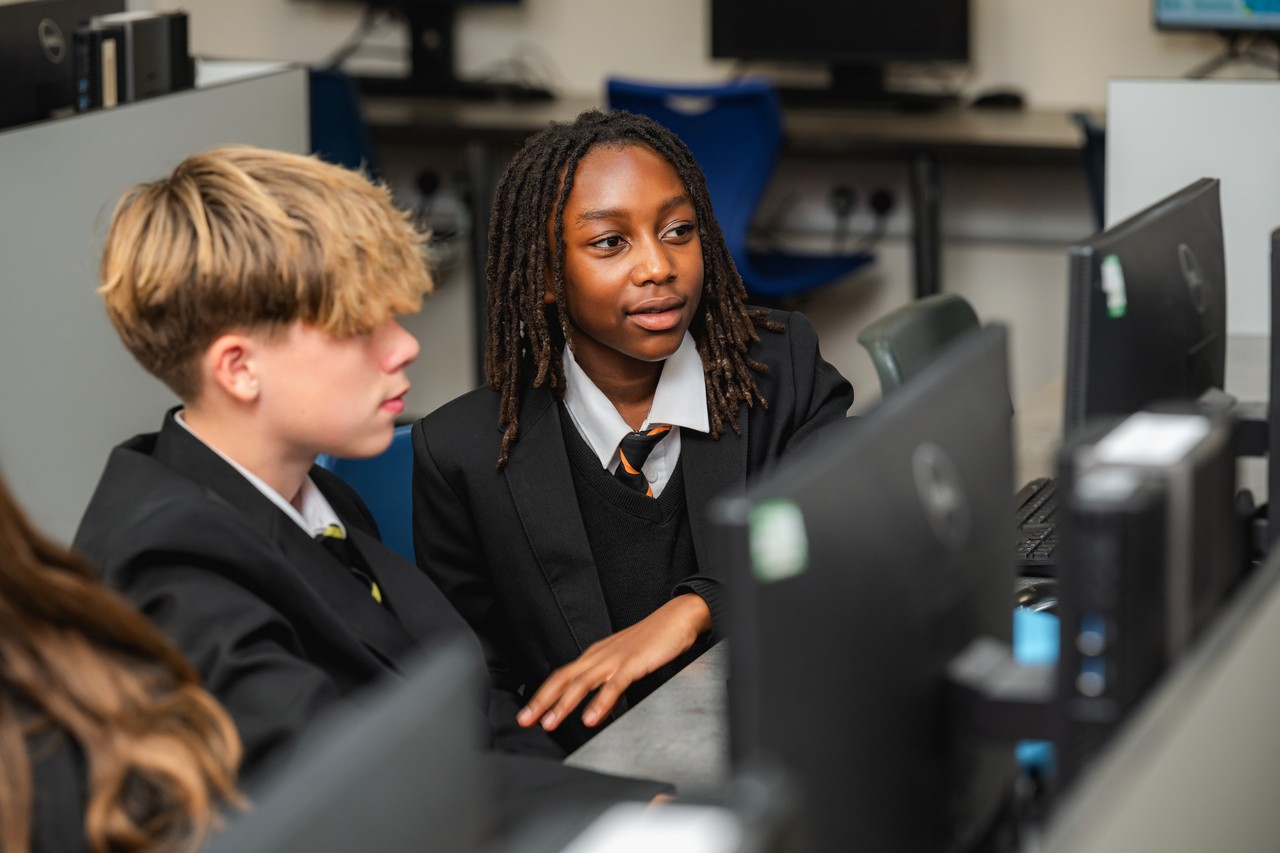
- 6 dedicated IT suites, each equipped with 32 student workstations
- Promethean interactive smart boards in every room
- School email and Office 365 accounts for all students, accessible both in school and remotely
- A class set of BBC micro:bits for hands‑on programming and physical computing
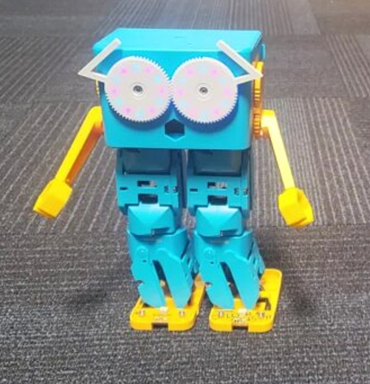
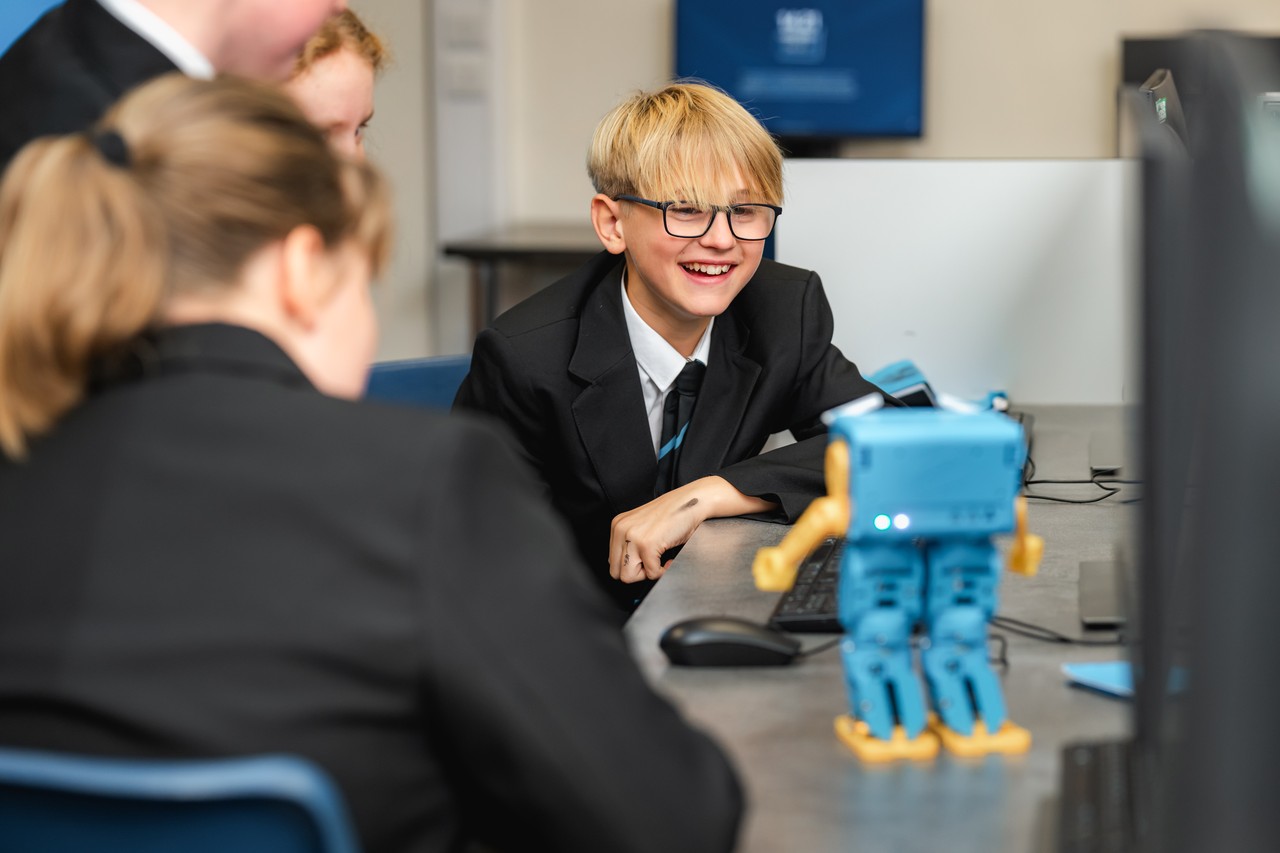
- Access to Marty the Robots, supporting robotics, problem‑solving and computational thinking
These facilities allow students to experience Computing in a practical, engaging and authentic way.